How to Connect Intra Oral Scanner to NovaDent Labs

Trios/3Shape

Medit Link
Step 1
Sign in through your Medit Link
account
Step 2
Click on “Partners” in the left-hand column
Step 3
Select “Search for Partners” at the top
Step 4
Click in the search bar and type in our digital department’s email address: info@novadent.com.au
Step 5
NovaDent Labs - Sydney will populate. Select our lab to add us as a partner
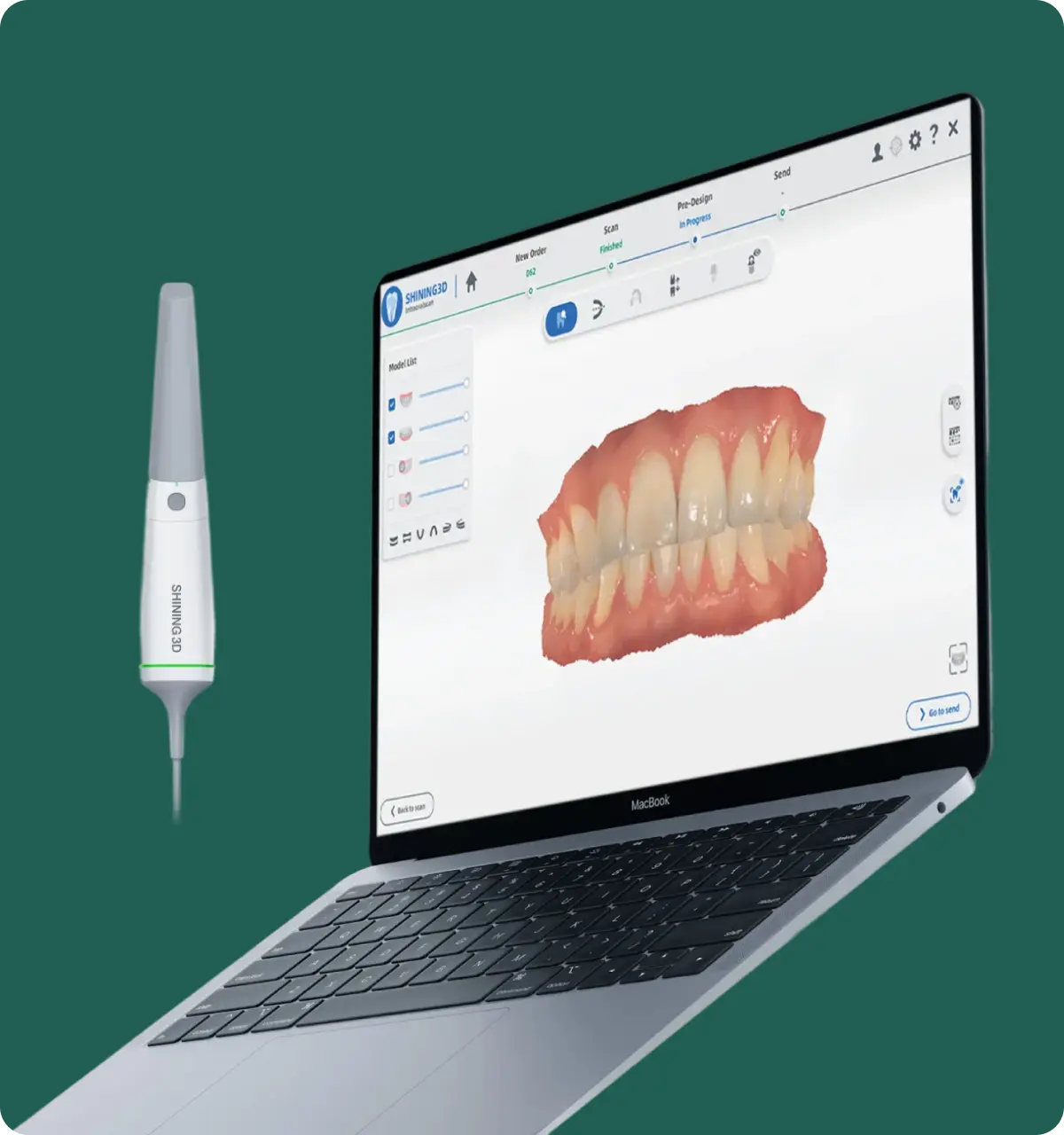
Aoralscan/Shining3D
Step 1
Navigate to the “user” icon in the top right-hand corner of the screen
Step 2
Make sure you are on the “Connections” tab
Step 3
Click on the “+ New” icon
Step 4
Search for and select “NovaDent Labs”
Step 5
Click on the check mark to submit the connection request
Step 6
NovaDent Labs will approve the connection request and it will be in your list of “targets”
Primescan/Dentsply Sirona
Step 1
Login to your Sirona Connect Doctor’s Portal and navigate to “Add”
Step 2
Now under “My Account” click on “My Favorite Laboratories”
Step 3
Click on “Search Labs”
Step 4
Enter NovaDent Labs (or Australian CAD/CAM Dentistry) in the Company Name field
Step 5
If you can’t find us you may also search by location – select “Australia” and then enter NovaDent Labs’s zip code: “2193”
Step 6
Find NovaDent Labs (or Australian CAD/CAM Dentistry) and click on the plus sign in the “Add” column all the way to the right
Step 7
Your scans are ready to be sent right away – just choose NovaDent Labs (or Australian CAD/CAM Dentistry) from your drop down menu.
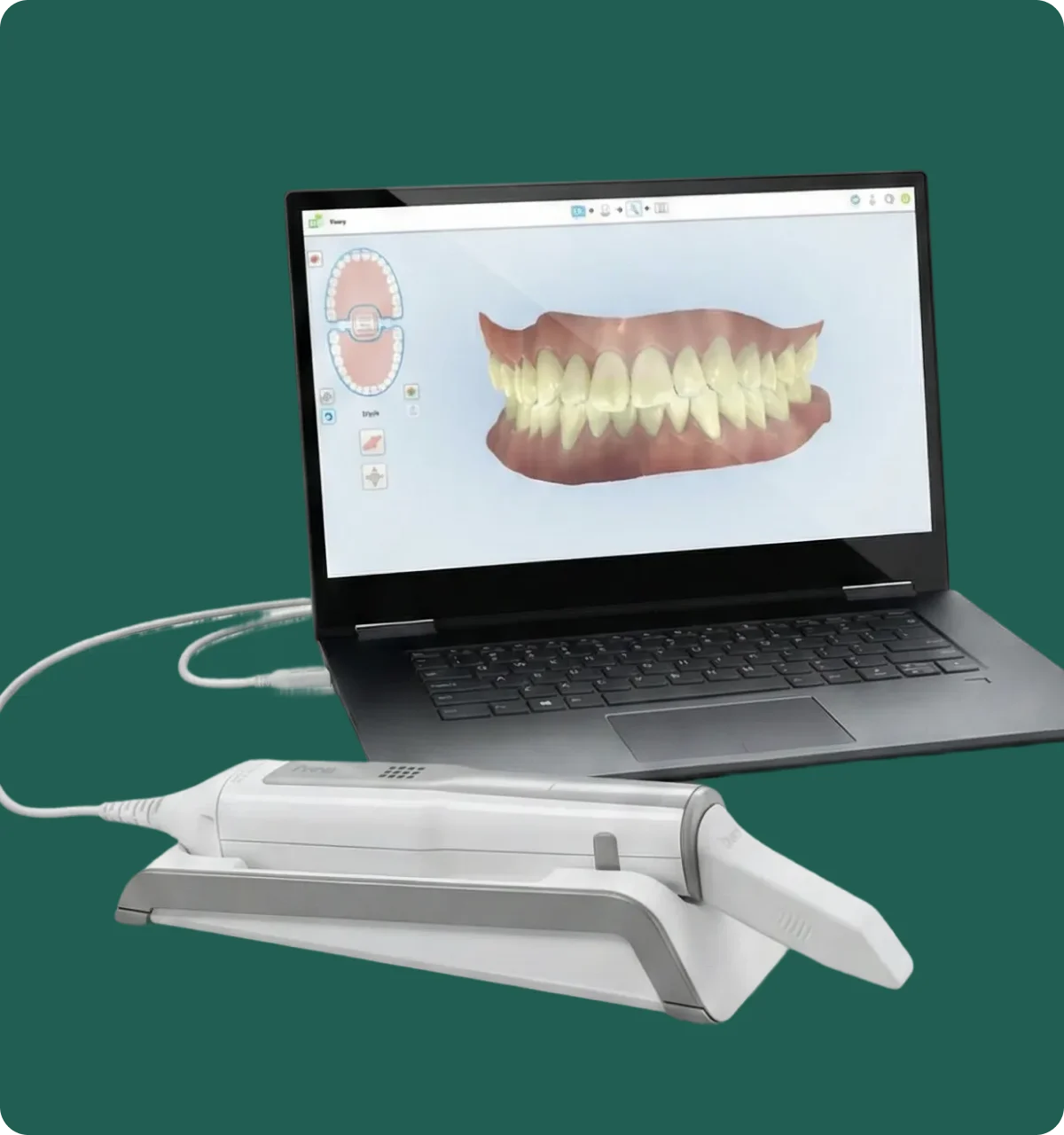
iTero/Align
Step 1
Call iTero on 1800 468 472
Step 2
Please quote NovaDent Labs’ Company ID ( 1508765 ) to connect your practice with NovaDent Labs as your
“Preferred Lab”
Step 3
They will connect your practice with our lab directly, alternatively please contact us with your iTero client code and we will contact iTero directly
Get Your Price Sheet Today



NovaDent Has Arrived.
Previously VTS Dental Labs.
Same team
Same standards
New identity
Visit our new website