
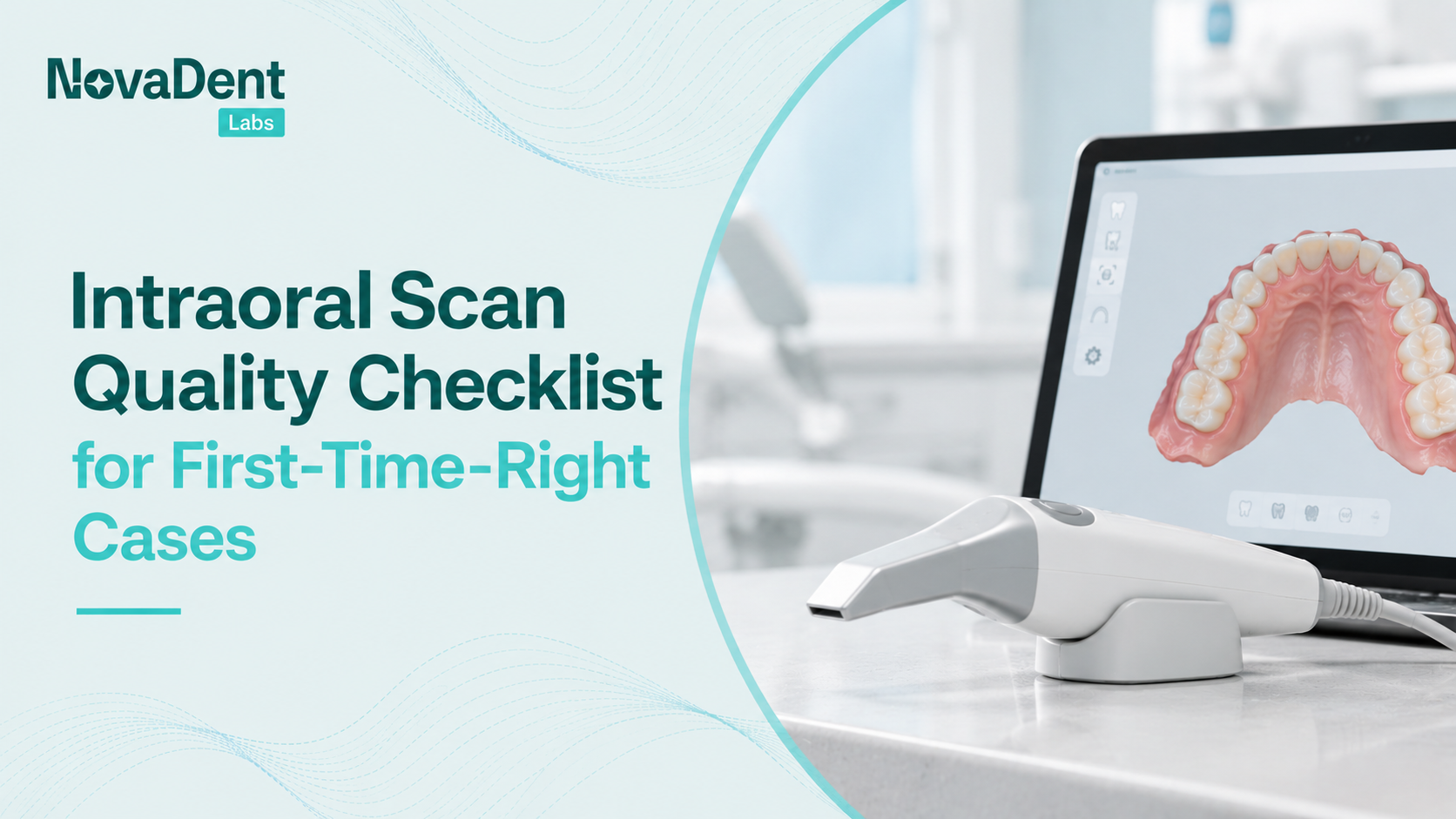
Intraoral scan quality affects what happens after you press send: whether the lab can begin design or needs to request more information.
For Sydney and NSW practices, consistent intraoral scanning starts with preparation and ends with a file review before the patient leaves. This checklist is part of our guide to digital dentistry, focusing on the records your lab needs to move a case forward.
TL;DR
- Missing margins, incomplete surfaces and inaccurate bite records can lead to rescans, adjustments or remakes.
- NovaDent checks scans on arrival for margins, undercuts and artefacts, with problems flagged straight away.
- NovaDent’s turnaround is 5–9 business days from receipt of case and scan data. Sending an incomplete record can delay the start of design.
Before you scan: prepare the field and equipment
Control saliva and bleeding so the surfaces you need are visible. Retract the cheek, tongue and gingival tissues as appropriate, and check that the finish line is exposed around the preparation. A scanner cannot capture a margin hidden beneath tissue or fluid.
Use a clean, correctly processed tip and check its optical surface for contamination or damage. Follow the manufacturer’s instructions for calibration, including any prompts in the software; requirements differ between systems.
Medit’s scanning checklist provides manufacturer guidance on fluid control, retraction and equipment checks. Apply the instructions for your own system rather than assuming every device follows the same protocol.
For prepared teeth, review reduction, finish lines and the intended path of insertion before scanning. Our crown preparation guide covers the preparation stage.
While intraoral scanning: capture the complete case
Follow your system’s recommended scan path, keeping enough overlap for the software to maintain alignment. Review the model as you work rather than relying on the appearance of a completed arch.
Capture the full margin and adjacent tooth surfaces needed to assess proximal contacts. Include enough of the opposing arch to evaluate occlusion for the case, together with the required bite records.
Check that the patient closes into the intended position and inspect the resulting alignment. Medit’s occlusion guidance recommends checking for holes, unwanted soft-tissue data and surface noise before recording the bite.
Inspect preparations from several angles for gaps and undercuts. Distinguish missing scan data from a physical preparation issue: additional scanning cannot correct an unsuitable preparation.
For implant cases, confirm that the correct scan body is fully seated and secured according to its manufacturer’s instructions. Capture its identifying surfaces and provide the implant system, platform and component details needed for the lab’s implant restoration workflow.
Before you send: the 10-point intraoral scan quality checklist
Rotate the finished model and inspect the exported case before submission.
What the lab checks when a scan arrives
At scan intake, NovaDent checks the file for margins, undercuts and artefacts, and flags problems straight away. This review identifies information that needs clarification before the case progresses.
A complete-looking model does not always contain enough detail for design. A missing margin or unclear bite may require a targeted rescan; a preparation concern may need clinical review first.
The prescription should also identify the restoration, material and any special requirements. For crowns and bridges, the fixed prosthetics service page outlines NovaDent’s options. Our CAD/CAM dentistry guide explains how the scan supports design and manufacture.
Common scan problems and how to address them
These issues do not automatically cause a remake, but unresolved information can affect the restoration.
File formats: STL, PLY and OBJ
NovaDent accepts open STL and PLY files. Some systems also export OBJ; confirm the preferred submission format with the lab before sending an OBJ-only case.
STL records surface geometry, while PLY and OBJ can also carry colour information, depending on the export settings. Manufacturer guidance, such as Medit’s export instructions, explains the available options.
Use the scanner connection guide for setup by system. If you are reviewing equipment options, the scanner comparison provides a separate reference.
Frequently asked questions
What makes a scan unusable?
A scan may be unsuitable for design if essential margins, surfaces, bite records or implant reference details are missing or unreliable. The required information depends on the case. NovaDent checks files on arrival and flags problems straight away.
Which file formats can I send?
NovaDent accepts open STL and PLY files. If your system exports OBJ, confirm the preferred format with the team before submission. Send the prescription and supporting records alongside the scan files.
Do I need to change my scanner to work with NovaDent Labs?
Not necessarily. NovaDent supports open STL and PLY files, and its connection guide covers several major systems. Check the setup instructions for your current system before considering a change.
How long does a case take after the scan?
NovaDent’s turnaround is 5–9 business days from receipt of case and scan data. Resolve missing files or scan queries promptly and confirm the case timeline before scheduling the fitting appointment.
Ready to send your case?
Connect your scanner to NovaDent Labs, then submit a case with your checked files and prescription.
Practices without a scanner can explore NovaDent’s scanner offer.
Related Posts
You may also be interested in

How to Find a Premium Dental Lab

Dental Implant Care: The Tooth May Be Artificial, But the Care Is Real
TMJ Splint vs Night Guard: What’s the Difference?

NovaDent Has Arrived.
Previously VTS Dental Labs.
Same team
Same standards
New identity
Visit our new website